
Tap the card – the door opens.
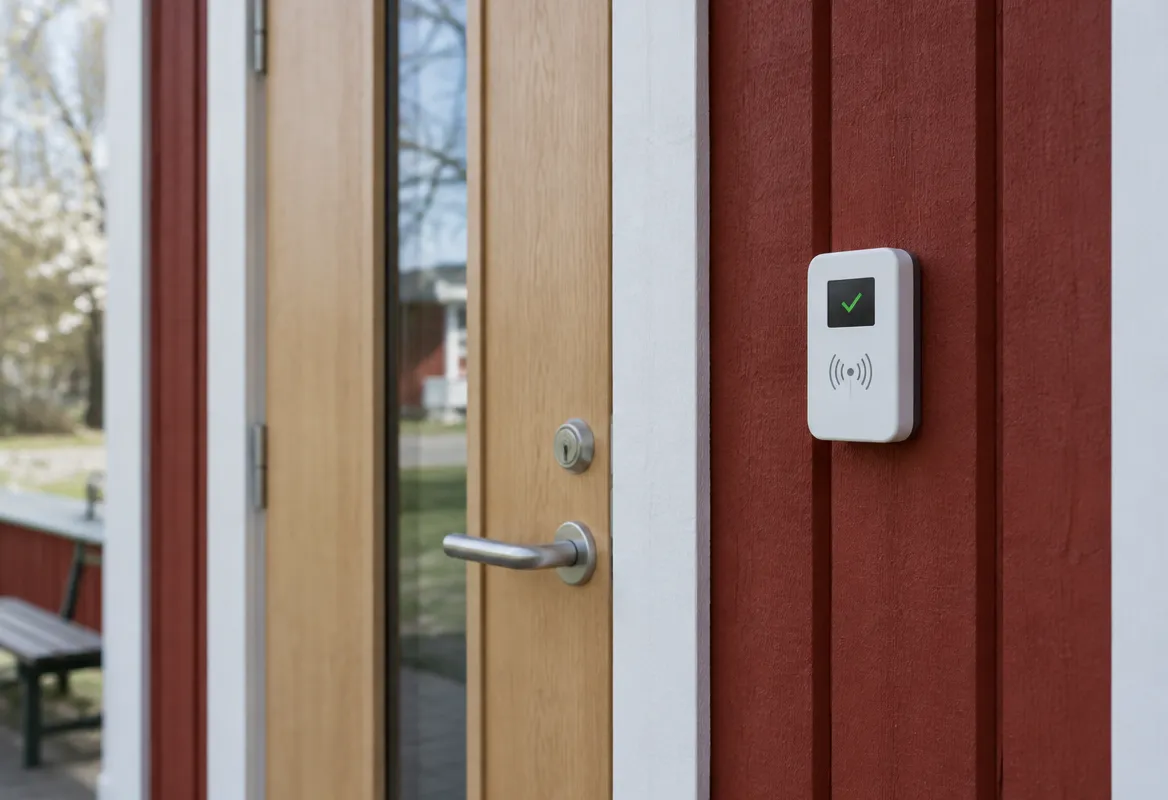
Tekapo Access consists of a card reader at the door, a Danalock on the inside that controls the lock, and an RFID card in your pocket. Permissions are managed in an admin interface.
Smart locking for the doors you already have.
Tap to open
An RFID card against the reader at the door. A small display on the reader shows whether the door will open.
Danalock on the inside
A Danalock is fitted on the inside of the door and controls the lock. The door keeps its existing lock and keys.
Admin interface
Decide who may open which doors, and block a person or a card when access should end.
Works without a network
The reader stores a signed permission list locally and decides by itself when the card is tapped. The door opens even if the internet is down for a while.
The same card as in Barkassan
The card number is taken from Barkassan. A member needs just one card, for both the door and the bar.
Log and traceability
See who opened which door and when, per card, person and door.
Access that suits the people.
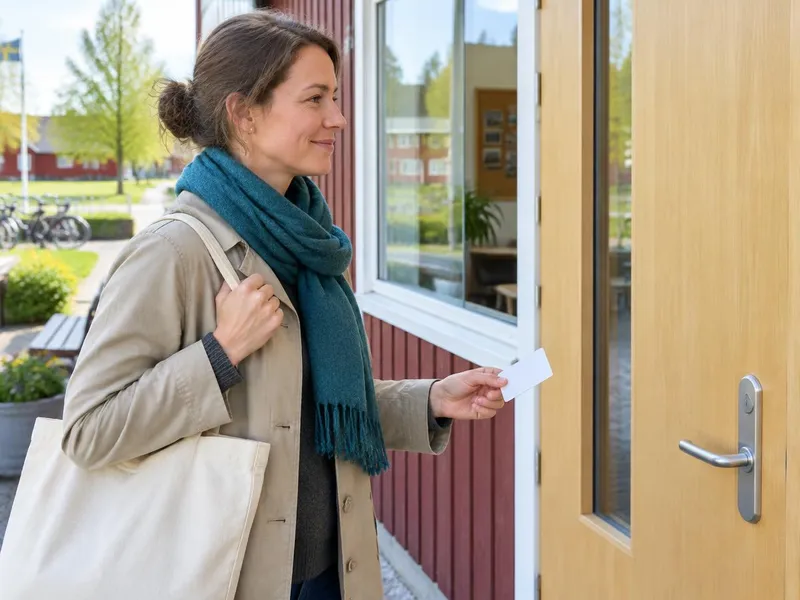
One card in your pocket
Members and other authorised people use their RFID card to open the door.

Permissions for each person
The person in charge manages each person's permissions in the admin interface, while the card becomes the easy way in.
Part of the Tekapo ecosystem.
Together with Barkassan, the same RFID card can open the door and pay at the bar. Membership, till and access in one well-integrated system.
Answers to what people usually ask.
Do we have to change our locks?
How does the door open?
What happens if the internet is down?
What happens if a card is lost?
The same card as in Barkassan?
What does it cost?
See Tekapo Access on a real door.
Tell us how many doors you have and what locks they use, and we will show you what is needed.