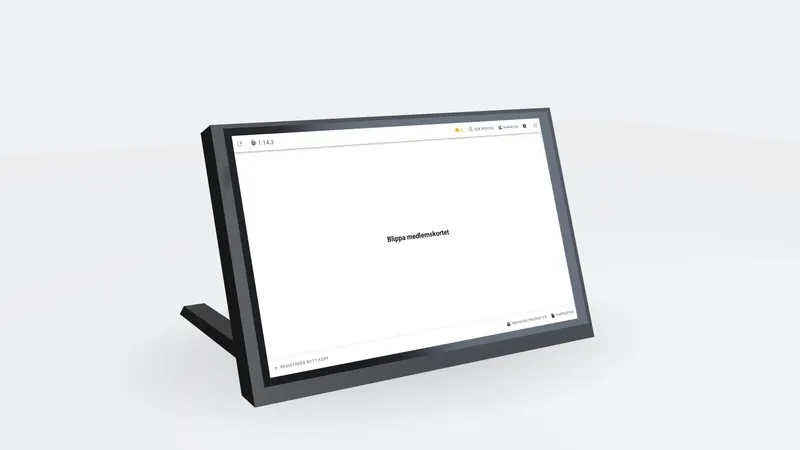
Manage kiosks and key cabinets remotely with Tekapo Fleet
Monitoring, diagnostics and controlled updates for delivered Tekapo terminals.
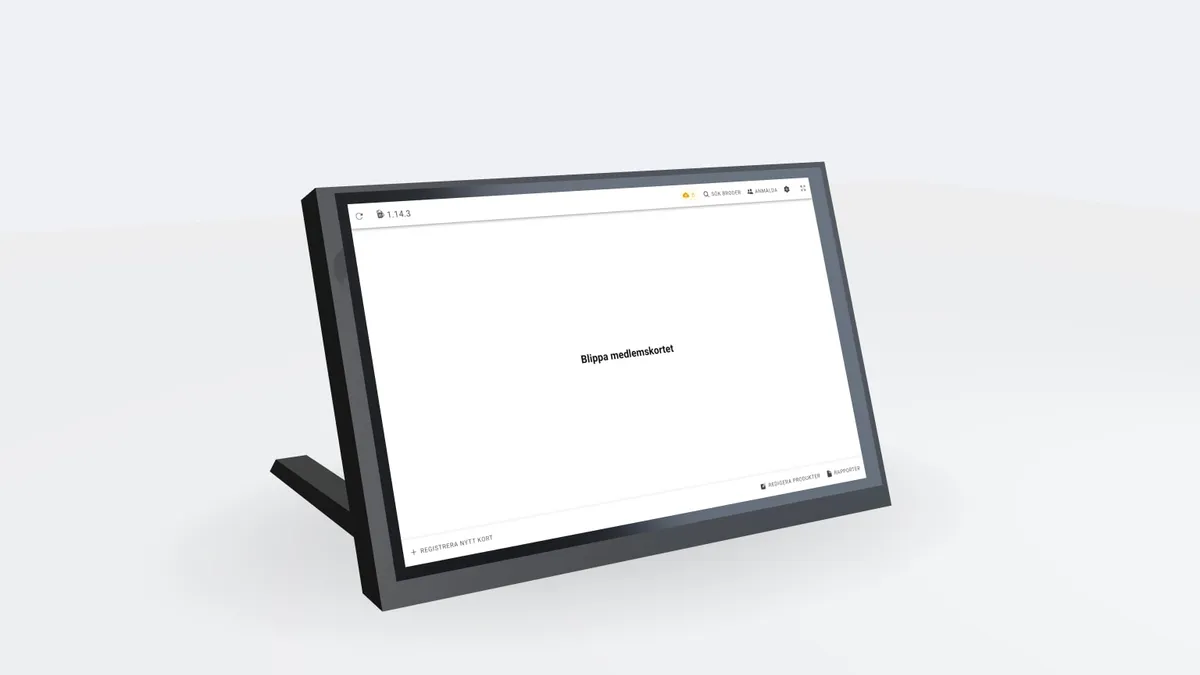
Illustration of the use case, not a customer reference or a verified interface.
A kiosk needs support after installation. Support staff need to know which terminal is involved, what it runs and what has happened.
One record for each terminal
Fleet connects terminal identity, installation and reported inventory. Installation photos and documents complement screenshots and diagnostic log packages.
Diagnostics with a purpose
Remote commands and a web terminal help investigate installations. Key cabinets also have targeted controller and protocol diagnostics. Actions stay within the terminal’s organisation context.
Follow the update
Releases describe available packages; rollouts determine which terminals should receive them. The terminal agent verifies package signatures and supports rollback after failed installation. Alarms and patch reports help with follow-up.
Part of ongoing delivery
Fleet is an operational capability behind Tekapo terminal deliveries. Monitoring, support and updates are agreed for each installation; this is not a separate self-service subscription.
Explore the workflow
The key takeaway
A clear inventory connects diagnostics, updates and follow-up.